
Introduction to the BMW X4 G02 Mod
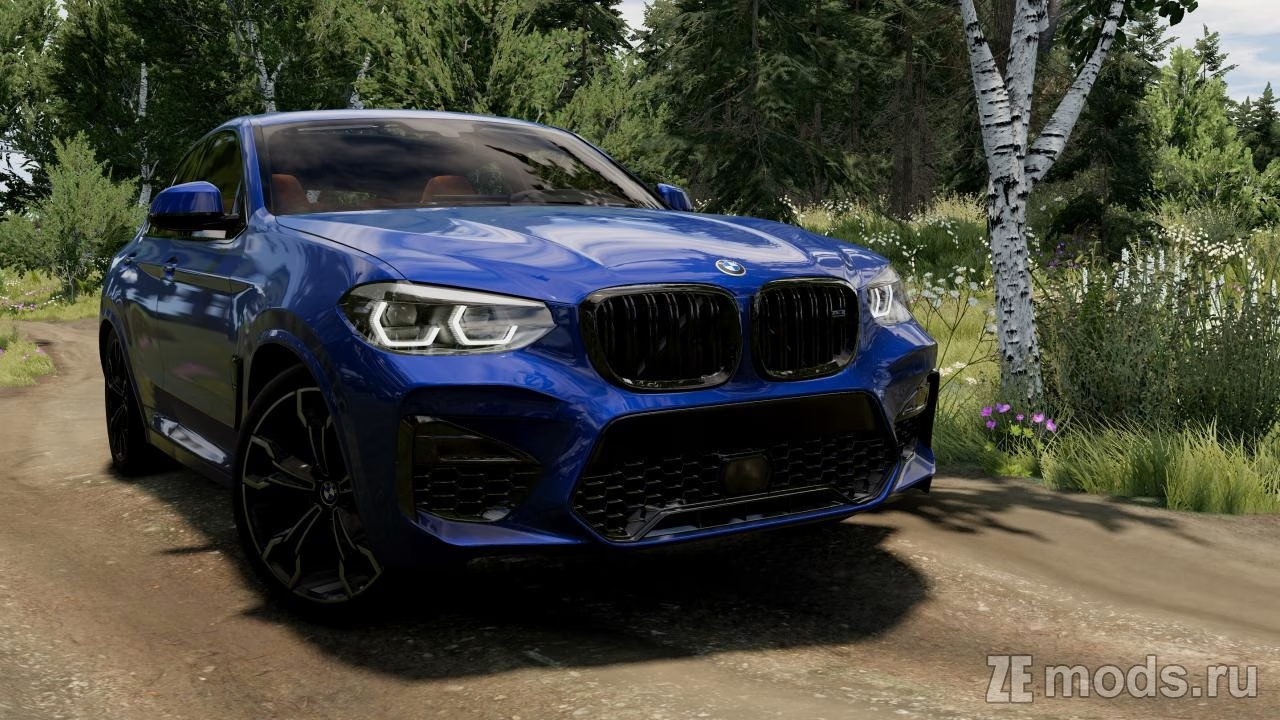
The BMW X4 G02 mod for BeamNG.drive is an exciting addition for fans of realistic driving simulations. Currently in development, this mod offers a range of features that enhance gameplay, although it does have some minor issues, such as the absence of a dashboard.
Features
– **Multiple Configurations**: Choose from 17 different setups, including both pre-facelift and facelift versions, as well as gasoline and diesel engines.
– **High-Quality Models**: Enjoy a meticulously crafted exterior and interior with PBR materials, providing a lifelike appearance.
– **Detailed Engine Bay**: The mod includes a well-rendered engine and under-hood space.
– **Unique Sound Effects**: Experience immersive soundscapes with custom audio effects and animated pedals.
– **Functional Lighting**: All lights and mirrors are fully operational, enhancing realism.
– **Interactive Elements**: Features include triggers inside the cabin and opening body components.
– **Customizable Options**: Various bumper styles and exterior features are available, along with four unique interior designs and exclusive wheel rims.
How to Install the Mod
To add the BMW X4 G02 mod to your BeamNG.drive experience, follow these simple steps:
1. Download the mod file from a trusted modding site.
2. Extract the contents of the file using a program like WinRAR or 7-Zip.
3. Copy the extracted files into your BeamNG.drive mods folder, usually located in the “Documents” directory.
4. Launch BeamNG.drive and access the vehicle menu to find your new BMW X4 G02 mod ready to drive.
Embrace the thrill of driving the BMW X4 G02 in BeamNG.drive, and enjoy an exceptional blend of realism and customization!
Screenshots





Be the first to comment