The Benefits of Mods in ATS 1.55
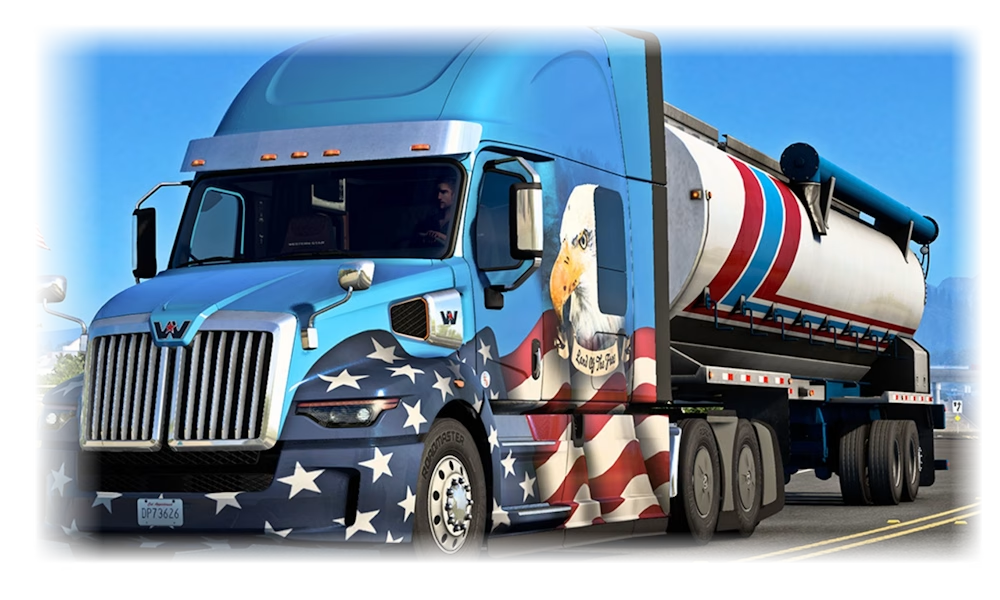
American Truck Simulator is already a detailed and realistic game, but mods take it to the next level. With community-created content, you can add new trucks, detailed trailers, custom skins, weather improvements, or larger maps that expand your driving routes. Many players in the US use mods in ATS 1.55 to make their journeys more personal and immersive.
Getting Ready to Add Mods
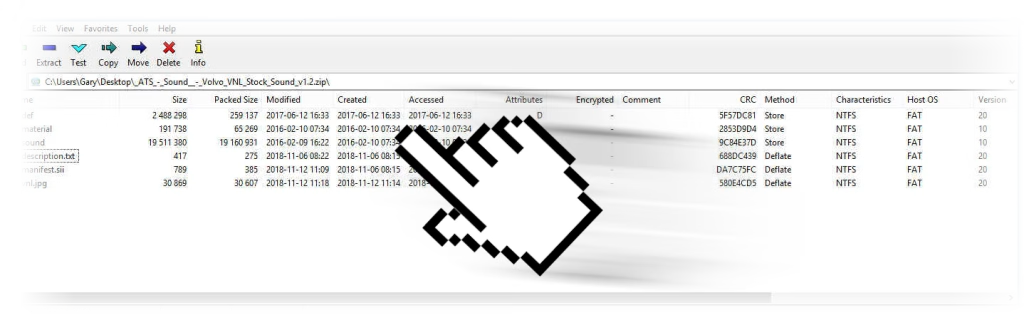
Check that your game is updated to version 1.55 before installing anything. Mods designed for older versions may not load correctly or could cause issues. The majority of ATS mods are distributed as .scs files, which the game can read automatically, making the process straightforward.
Step by Step Guide
- Download the mod you want that is compatible with ATS 1.55.
- Navigate to your Documents folder and open American Truck Simulator.
- Find the mod directory. If it is missing, create a folder named “mod.”
- Move the
.scsfiles into this folder. - Launch ATS 1.55 and enter the Mod Manager from the main screen.
- Enable the mods you want by moving them into the active list and arrange their order if necessary.
Playing with Mods
Once activated, start your profile and you will see the difference immediately. Whether it is driving a new truck, hauling unique trailers, or exploring freshly added roads, mods add variety and depth to ATS 1.55.
Keeping your files organized and using the Mod Manager properly ensures a smooth and enjoyable experience with American Truck Simulator.